




Felixspin App
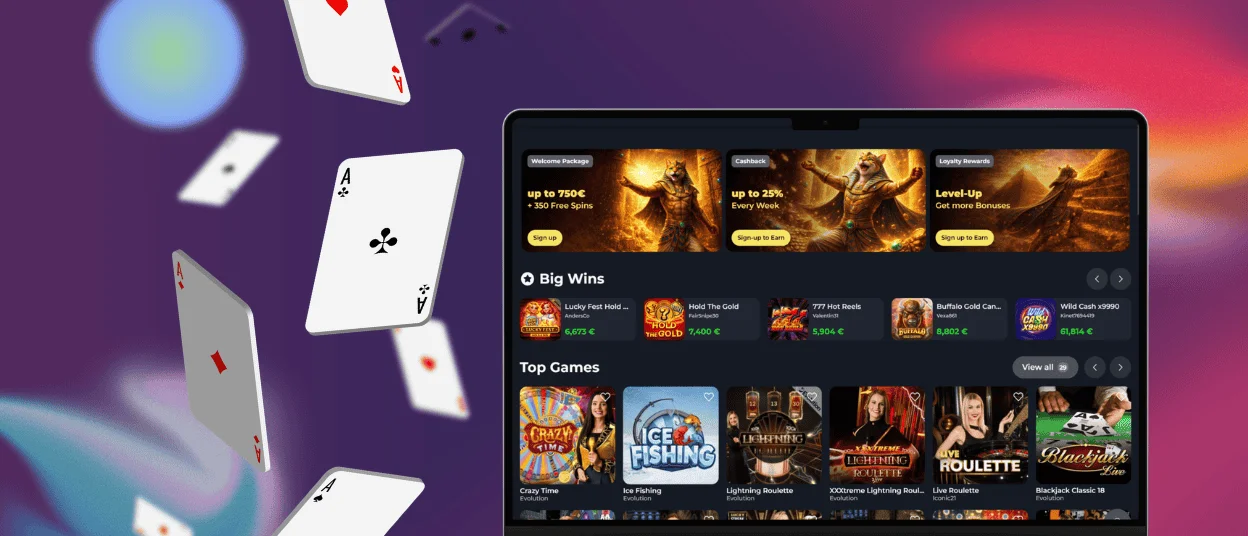
The Felixspin app was made for players who don’t want to deal with discomfort and want to play on the go. Every feature from the desktop site made it into the mobile casino version. You can download it straight from the website, and it works across Android, iOS, and desktop.



Key Features of the Felixspin App
PWA technology is what Felixspin Casino uses for the mobile app. You don’t have to wait for downloads to finish. The icon appears on your home screen as soon as you add it. It also doesn’t take up much space.
Once you start using it, a few things stand out. When you switch to full-screen mode, everything except the game is hidden. This is especially helpful on smaller screens. You can set up push notifications to know about the most important deals at Felix Spin. And loading times are faster than when you use a regular mobile browser tab.
| Aspect | Felixspin App | Desktop Site |
| Installation | Direct from the website, no app store | Not applicable |
| Storage Used | Minimal | N/A |
| Login Method | Password, Google, or Face ID | Password or Google |
| Notifications | Fully customizable | Browser-dependent, limited |
| Full-Screen Mode | Yes | N/A |
| Battery Usage | Lower than a mobile browser | N/A |
| Game Library | Identical | Identical |
| Update Process | Automatic | N/A |
Pros and Cons of Felix Spin Casino App
On the plus side:
- Installation takes barely a minute
- The Felixspin app doesn’t take up as much space on your phone as a regular file would
- Our support team is one tap away through the live chat for any question
- Face ID login saves you time because you don’t have to type in a password
- Battery usage stays lower than running the site through a browser
- You can play online slots or check your balance from anywhere
On the downside, you won’t find Felixspin Casino listed in the App Store or Google Play. The installation process, while quick, does require a couple of extra taps compared to a one-click app store download.
Mobile Application for iPhone and iPad
Getting Felix Spin onto an iPhone or iPad doesn’t require any special settings or jumping through hoops.
- Open the site in Safari.
- Tap the Share button sitting at the bottom of the screen.
- Select “Add to Home Screen” from the menu that pops up.
- Give it a name if you want, confirm, and the icon lands on your screen within seconds.
From there, your gaming experience feels perfect. Slots load quickly, and the live casino streams hold up well even on a phone screen. Your Felixspin Casino account has all the same settings, including transaction history, active bonuses, and responsible gaming settings. The verification process can also be completed on mobile, which is more convenient because you need to provide some pictures.

Felixspin App for Android
Android installation follows the same logic. Open the Felixspin website in whatever browser you normally use, tap the menu icon in the corner, and choose “Add to Home Screen.” Name it or skip that step entirely, confirm, and the app icon appears on your device a moment later. Log in with your usual credentials, and you’re straight into the lobby.
We don’t have a standalone Felixspin APK file to download. APKs come with their own risks – sideloading from outside an app store means trusting a file you can’t always verify. That’s the kind of exposure Felixspin Casino wants to avoid. The PWA approach sidesteps all of that. Everything installs through the browser, straight from the official site, with nothing questionable involved.

Play Felix Spin Casino on Mac or Windows
When you install the Felixspin app on a desktop, the difference shows up once you’re using it. Performance is tighter, push notifications can be tailored the same way they are on mobile, and launching the app skips the step of typing in a URL every time.
Installing it is simple – head to the Felix Spin website, look for the install icon in the address bar, click it, and follow the short setup. Once it’s on your desktop, you can log back in using Google sign-in or let your browser autofill your saved details.
FAQ
Are app permissions required for core functionality?
The Felixspin Casino app runs through your browser’s existing permissions rather than asking for a separate set of device access. You won’t be prompted to grant access to contacts, camera, or anything unrelated to playing. The core experience works without any extra permissions beyond what your browser already handles.
Can I log in to the Felix Spin app using biometric authentication?
Yes. Face ID works on supported iOS devices, and many Android phones support fingerprint or facial recognition through the same login flow. It’s a faster way back into your Felixspin Casino account than typing a password every time, particularly useful if you’re checking in for a quick session between other things.
Is there a difference between your desktop and mobile game catalogs?
No. Every slot, table game, live dealer title, and instant-win format available on desktop is also available through the app. Nothing is trimmed down or held back for one version over the other. The Felixspin catalog stays identical regardless of which device you’re using to access it.


